Getting Started on Hukrr: Accounts, Contracts & How It Works
Learn how Hukrr's creator marketplace works, which platforms and ad formats are supported, how to secure your account, and how one-time clickwrap agreements replace manual contract signing.
Welcome to Hukrr—the structured, escrow-backed marketplace built for Indian brands and social media creators. Whether you are a creator monetising your reach or a brand commissioning high-performing content, this guide covers how the platform works, how to secure your account, and how digital contracts protect every collaboration.
1. How Hukrr Works
Every collaboration on Hukrr runs through one of two structured workflows, backed by escrow from start to finish:
- Productized Services: Creators publish ready-to-book services with a single Base Price, a fixed delivery window, and optional paid add-ons (such as ad whitelisting or raw footage). Brands select what they need and book directly—there are no tiered "Basic / Standard / Premium" packages.
- Campaign Briefs & Structured Bids: Brands post a Campaign Brief specifying their desired platforms, formats, niches, and a binding budget range. Matching creators receive an invitation and submit a structured Bid within that budget. Once the brand accepts a winning bid and funds escrow, the collaboration becomes an active Deal.
Important: Free-form 1:1 custom collaboration requests are not supported on Hukrr. All bookings happen either through a listed Service or a Campaign Brief so scope, pricing, and deliverables are always clear upfront.
Supported Platforms
Hukrr currently supports three social media platforms:
- YouTube
- Facebook (Facebook Pages only)
(TikTok, X, and LinkedIn are not supported on Hukrr.)
The Five Ad Formats
Every service and campaign brief is built from five standardised ad formats so brands and creators speak the exact same language:
| Ad Format | Best For | Delivery Type |
|---|---|---|
| Reel / Short | Vertical short-form video posted on the creator's channel | Posted Content |
| Video | Long-form video (dedicated video or integration) posted on the creator's channel | Posted Content |
| Story | Ephemeral story frames posted on the creator's channel | Posted Content |
| Image Post | Feed image or carousel posted on the creator's channel | Posted Content |
| UGC Files | Raw or edited video/image assets handed over for the brand's own channels | Unposted Files |
Posted Content vs. UGC Files
- Posted Content is published directly on the creator's social channel. Upon delivery, the creator submits a live URL and completes the required sponsorship disclosure.
- UGC Files are delivered privately to the brand for use on the brand's own channels or ads. No public post, live URL, or channel disclosure is required.
2. Account Registration, Login & Security
Creating Your Account
You can sign up for Hukrr in two ways:
- Email & Password: Enter your email address and set a strong password. You must click the verification link sent to your inbox before you can log in.
- Google Sign-In: Sign up and log in using your Google account.
Choosing Your Role: During signup, you select either a Creator or Brand account. Your role is permanent once set and cannot be switched later.
Managing Your Profile & Password
All shared account, security, and privacy settings live under Profile (/dashboard/profile). Role-specific workflows are kept on dedicated tabs so nothing gets buried:
- Creators: Manage bank/UPI and PAN details under Payouts (
/dashboard/creator/payouts), and manage your bio, avatar, banner, niches, and social channels under Public Page (/dashboard/creator/settings). - Brands: Manage your GST registration and billing state under Billing & GST.
From your Profile page, you can:
- Change your password: Enter your current password and set a new one at any time.
- Set a password on a Google-only account: If you signed up with Google and have never created a password, you can set your first password directly from Profile without entering a current password.
- Manage notifications & data: Update your email notification preferences or export a copy of your account data.
Security Note: Changing or resetting your password immediately signs you out of every active session on all devices—including the browser you are currently using. You will be redirected to
/loginto sign back in with your new credentials.
Deleting Your Account
You can permanently close your account from Profile (/dashboard/profile), subject to two safeguards:
- No Money in Flight: Account deletion is blocked if you have any active funded orders, open disputes, pending payouts, or pending withdrawals. Complete or resolve all active transactions first.
- Anonymisation vs. Legal Retention: Once deleted, Hukrr permanently erases your profile details, PAN, GSTIN, and saved bank/UPI payout details, and replaces your name on past reviews and disputes with
"Deleted user". Financial records, tax invoices, executed contracts, and counterparty review ratings are retained as required by Indian tax and commercial laws.
3. Agreements & Auto-Executed Contracts
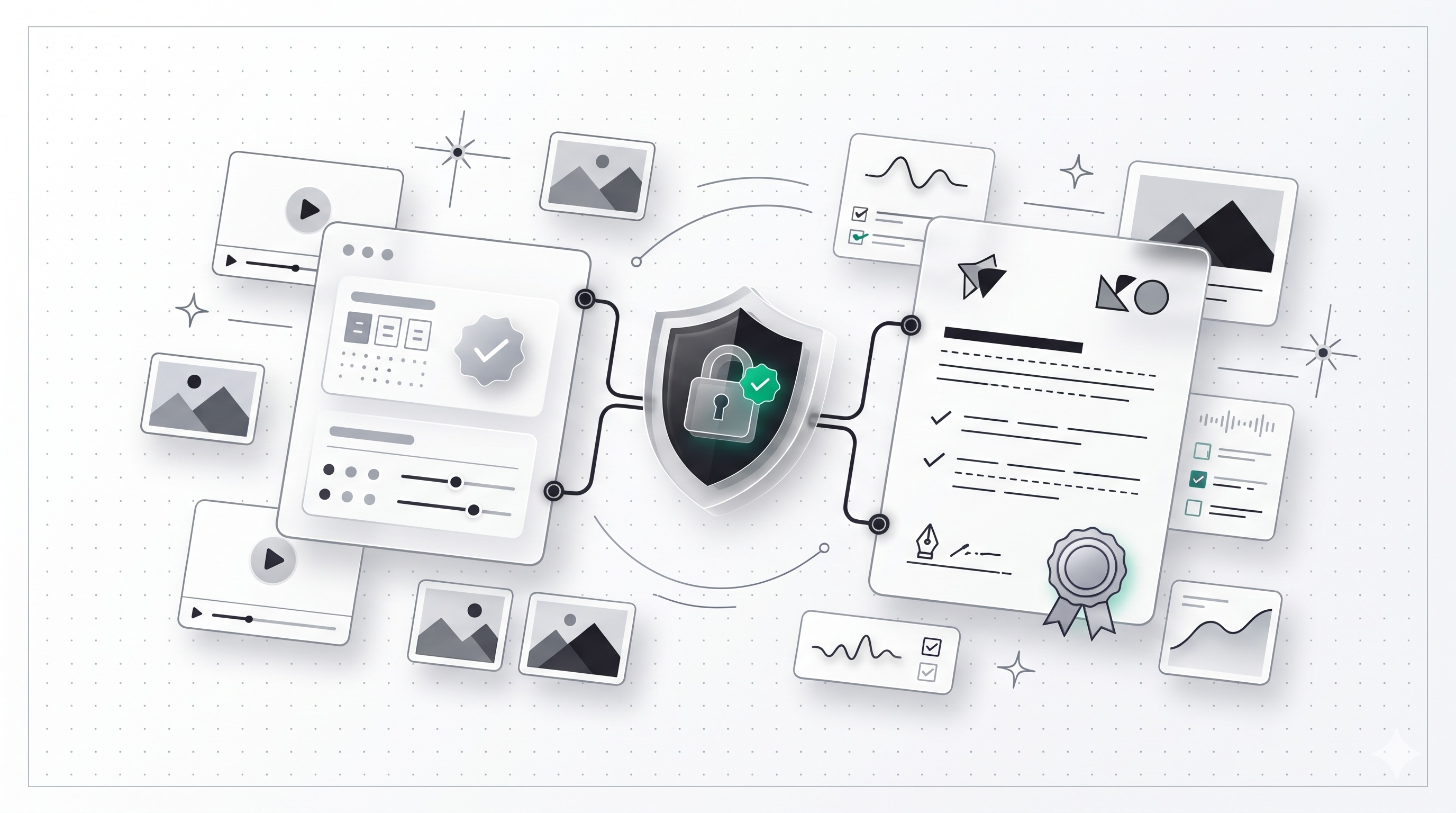
Hukrr removes the friction of manually signing a separate contract for every order. Instead, both Creators and Brands accept a versioned platform agreement once via clickwrap—logged with your timestamp, IP address, and a cryptographic (SHA-256) hash of the exact agreement text. This clickwrap assent is legally enforceable under Section 10A of the Information Technology Act, 2000 and the Indian Contract Act.
You can review the current platform agreements anytime at /agreements.
The Four Acceptance Checkpoints
You only need to accept your platform agreement once (you will only be asked again if Hukrr publishes a new version). The checkbox appears automatically at these checkpoints:
| Role | Agreement | Trigger Checkpoints |
|---|---|---|
| Creator | CREATOR_TERMS | 1. Publishing your first Service; 2. Submitting your first Bid on a Campaign Brief |
| Brand | BRAND_TERMS | 1. Placing your first Service Order; 2. Accepting your first Bid on a Campaign Brief |
How Order Contracts Work
- Standing Offer & Acceptance: Publishing a Service serves as the creator's standing offer. Placing an order (or accepting a creator's bid) serves as the brand's acceptance.
- Instant Execution: The moment an order or deal is created, Hukrr generates a fully executed digital Contract automatically—no additional signature step is required.
- What Is Frozen in the Contract:
- Exact scope, selected add-ons, and the structured Deliverable Checklist
- Agreed pricing, platform commission, and the frozen Indian tax snapshot (GST, TDS, TCS)
- The Delivery Rule: Stated clearly as "X days from the date escrow is funded" (capped at a maximum of 30 days). The countdown clock starts only after the brand funds escrow, never before.
Both parties receive a copy of the contract by email and can download the official PDF anytime from the order or deal page.
Continue Reading
- For Creators: The Creator Playbook: Profiles, Services, Bids & Payouts
- For Brands: The Brand Playbook: Finding Creators, Briefs & Booking
- Payments & Delivery: Orders, Escrow, Delivery Room & Dispute Resolution
- Tax & Compliance: Indian Taxes & Invoicing: GST, PAN, TDS & TCS on Hukrr
- Quick Answers: Hukrr FAQs & Troubleshooting Guide